Incident management

Capture incidents on the spot. Keep the evidence together.

From first report to NDIS Commission timelines โ€” escalation, evidence and registers in one place.

Incident Management in Ausvanta
Key capabilities

What incident management looks like in Ausvanta

01 ยท INCIDENT MANAGEMENT

Structured Incident Reports

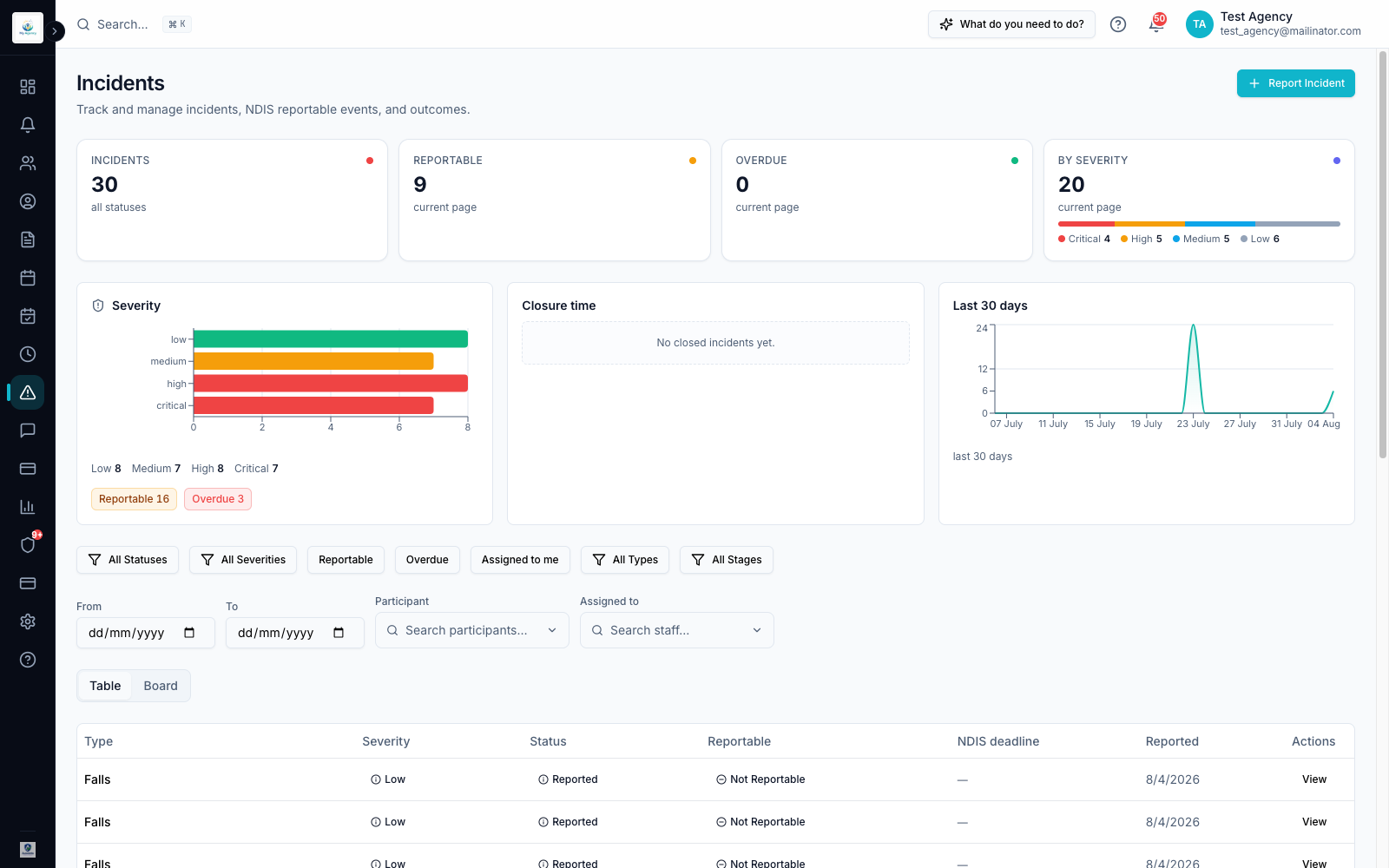
Capture detailed incident reports with predefined fields โ€” thirteen incident types from falls to unexplained injury, four severity levels, and whether you have assessed the incident as reportable โ€” so every report is consistent and complete.

Structured Incident Reports โ€” Ausvanta screenshot
02 ยท INCIDENT MANAGEMENT

Triage with a Live Statutory Clock

The triage assistant classifies the incident and runs a live statutory clock from the moment your organisation became aware. Incidents you mark as reportable surface in the 'Requires attention' queue. Reportability follows the incident category, not its severity โ€” the decision stays with you and nothing is submitted automatically.
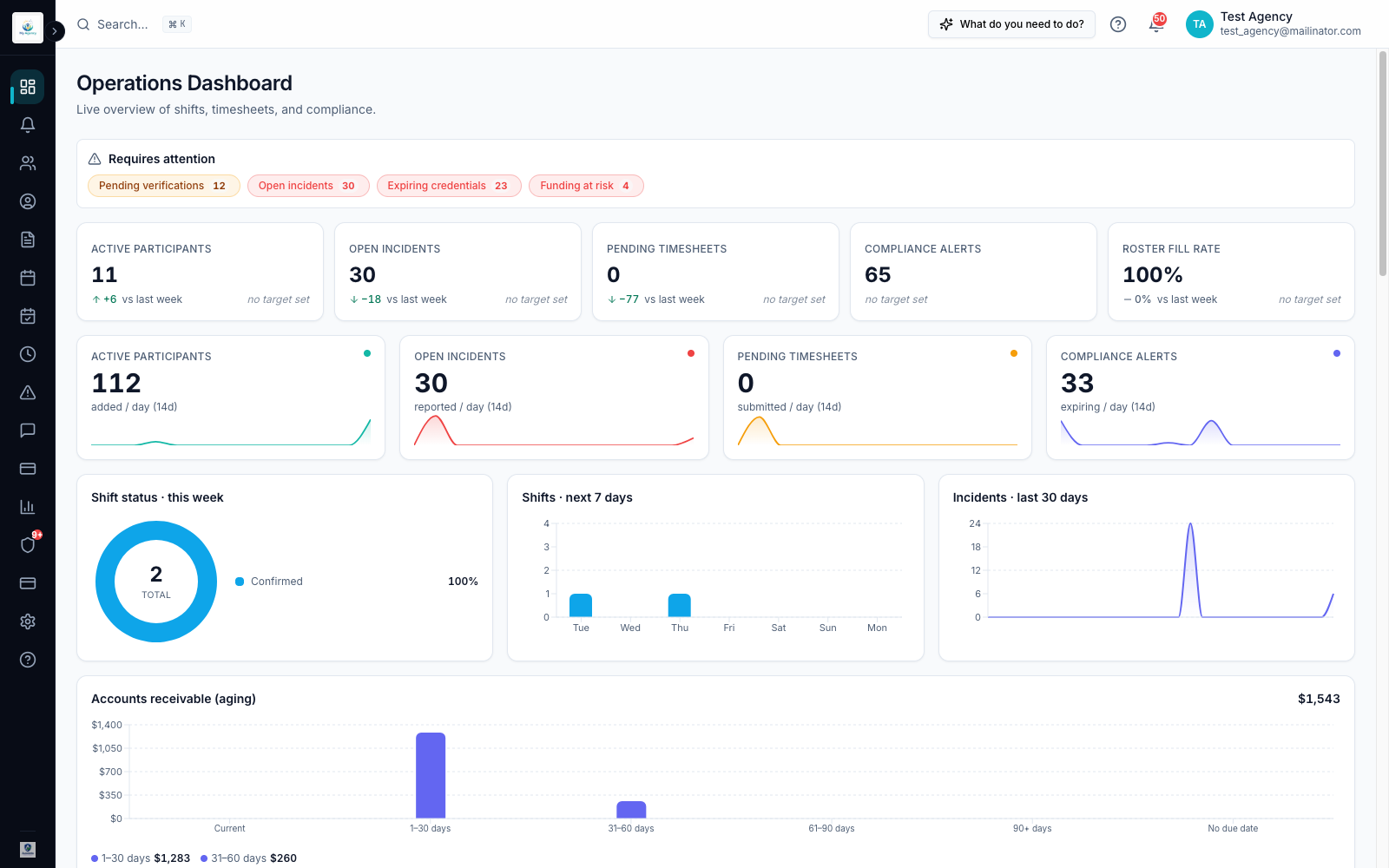
Ausvanta operations dashboard (illustrative โ€” not a screenshot of the reportable-incident screen)
03 ยท INCIDENT MANAGEMENT

Filter and Follow Up

Slice incidents by severity, status or stage, track overdue actions, and watch closure time and the 30-day trend to spot a backlog early.
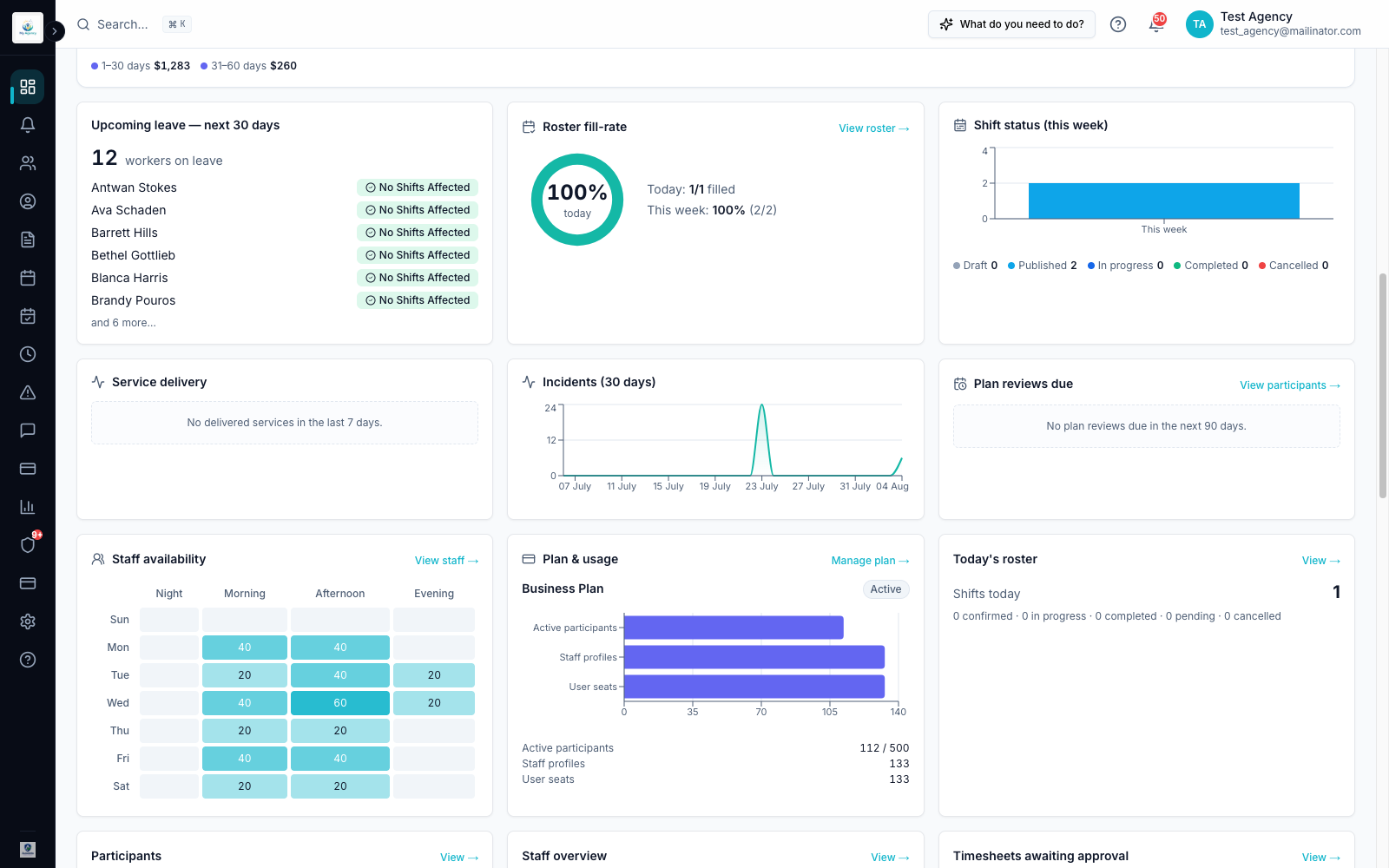
Ausvanta reporting charts (illustrative)
04 ยท INCIDENT MANAGEMENT

Complete Audit Trail

Every action on every incident is logged, giving you transparency and accountability you can hand straight to an auditor.
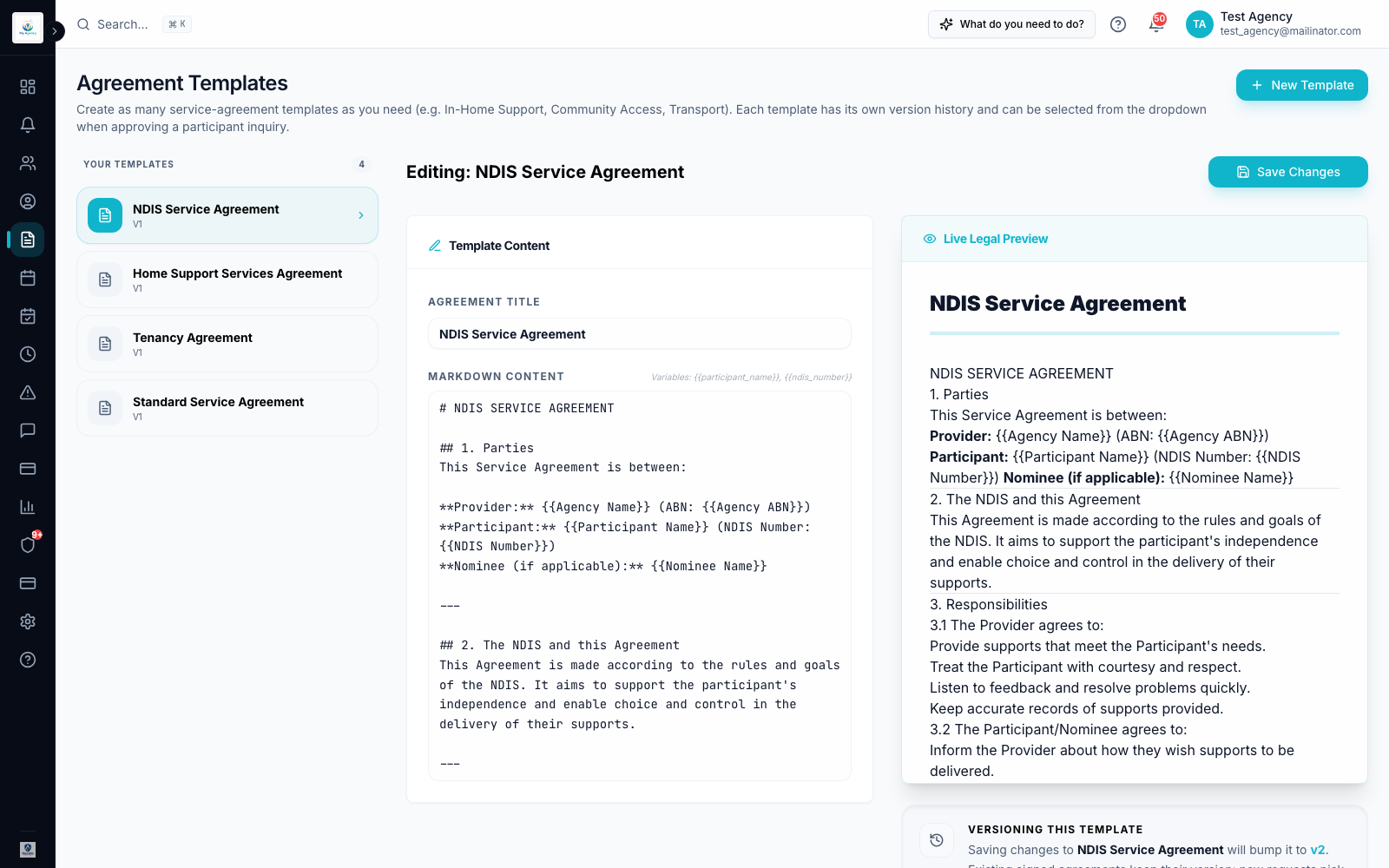
Complete Audit Trail โ€” Ausvanta screenshot
How it works

Up and running in three steps

1Report

Document the incident with all necessary details on the spot โ€” accuracy and completeness built into the form.

2Flag

Record the incident's severity and category, mark whether it is reportable, and track it against the applicable notification timeframe. Deciding whether an incident is reportable remains the provider's responsibility.

3Resolve & learn

Track follow-up actions to closure and use the register to spot patterns before they become problems.

Your questions answered

Common questions

How does Ausvanta help with incident reporting?
Ausvanta provides a structured workflow that ensures incidents are reported accurately and efficiently, with features like severity flagging and audit trails to enhance compliance and accountability.
What severity levels does Ausvanta use?
Four: Low (minor, no lasting harm), Medium (some harm or risk), High (significant harm) and Critical (severe or life-threatening). Severity and reportability are recorded separately, because under the NDIS rules reportability follows the incident category, not its severity.
Can I record risk assessments too?
Yes. Risk assessment and safety forms for participants live alongside incidents, filterable by status.
Is there a way to track the progress of an incident?
Absolutely. Our platform includes a comprehensive tracking system that lets you monitor the status of each incident, ensuring timely follow-ups and resolution.
What kind of support is available for new users?
Support is available by email, along with onboarding help when you start.
How does Ausvanta ensure data security?
Primary application infrastructure is hosted in AWS's Sydney region, with role-based access controls.
Can I integrate Ausvanta with other systems?
A Xero integration is available on request โ€” we enable it and set it up for your organisation when you need it. Approved timesheet data can also be exported for NDIS billing and payroll. For any other system, tell us what you need to connect and we will confirm what is possible today.

See incident management in action

Try it with your own data โ€” free for 14 days, unlimited users.