Worker mobile app

The whole shift. In your pocket.

Built for support workers: today's shifts, GPS + selfie clock-in, participant plans, incident reporting and availability โ€” everything the field needs, nothing it doesn't.

๐Ÿค– Android โ€” beta via Google Play iOS โ€” coming soon
๐Ÿ“ GPS verified โœ… Shift confirmed โ€” Tue 9:00 am ๐Ÿคณ Selfie matched ๐Ÿ”” Credential expiring in 30 days
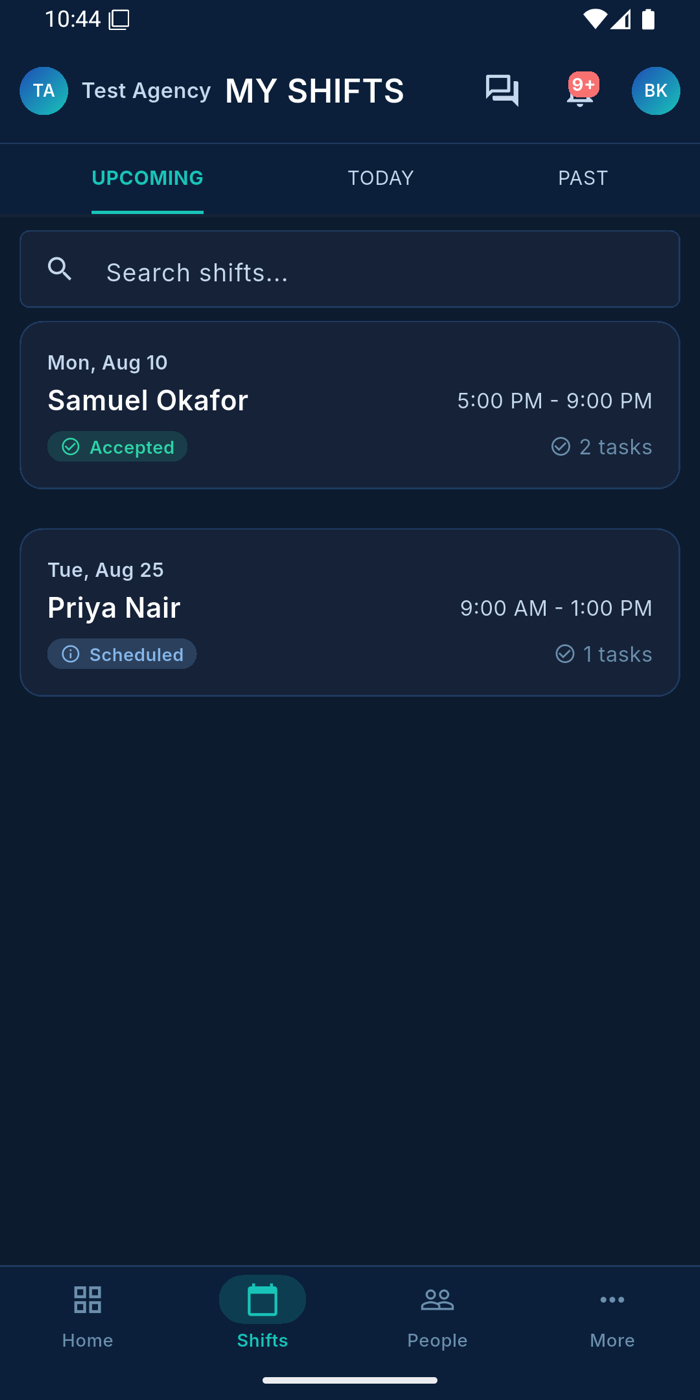
My Shifts โ€” Ausvanta worker app
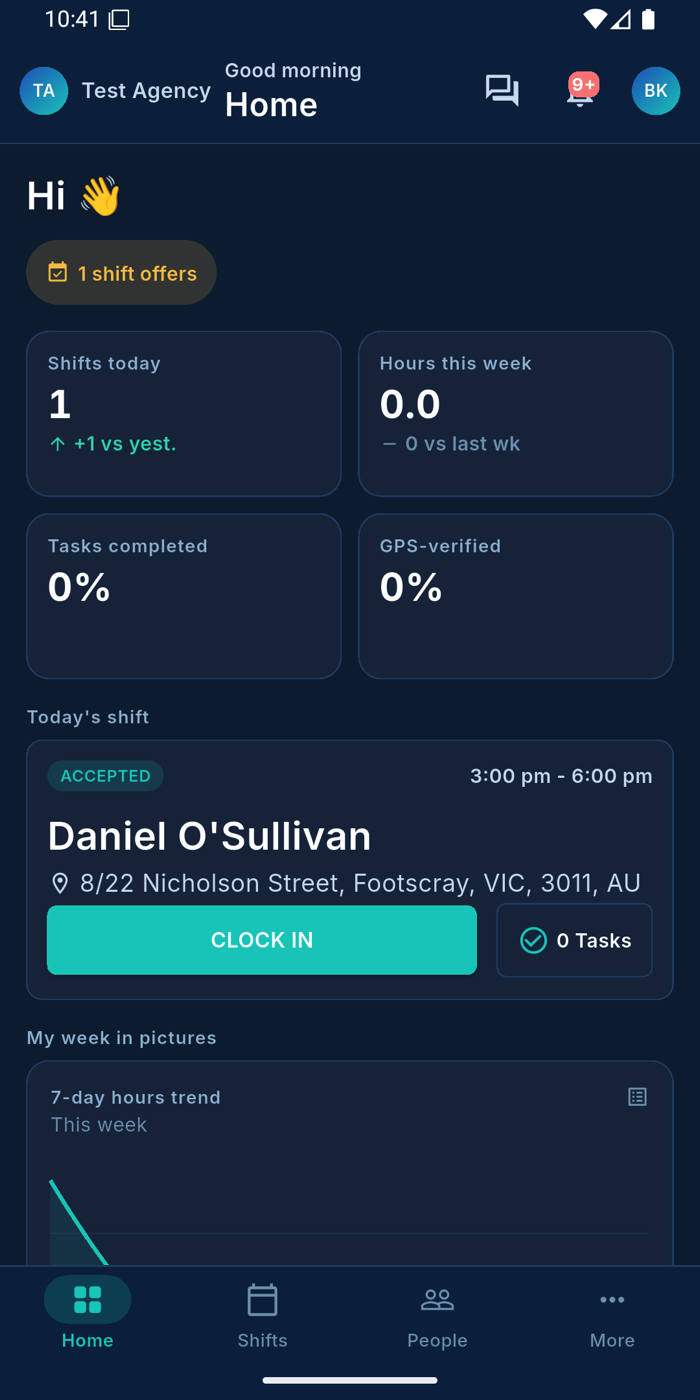
Worker home โ€” today's shift with clock-in
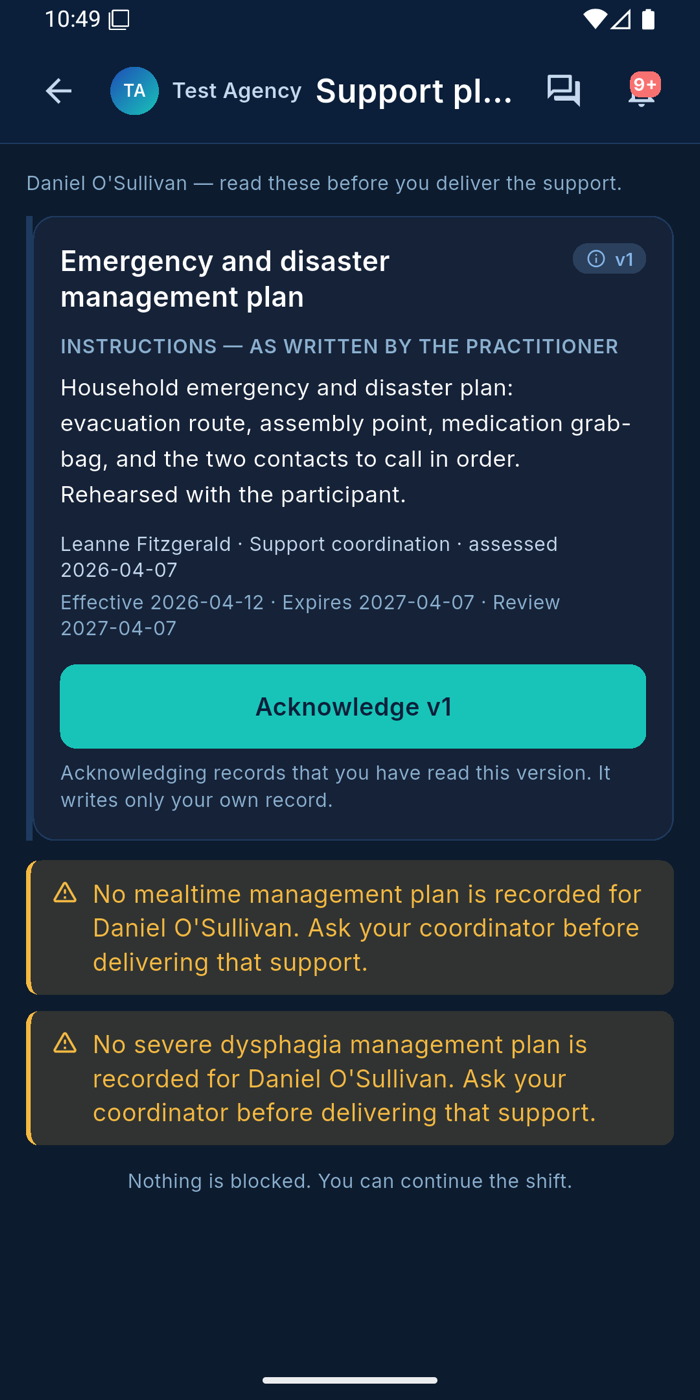
Support plan acknowledgement
What workers get

Six things the app nails

01 ยท WORKER APP

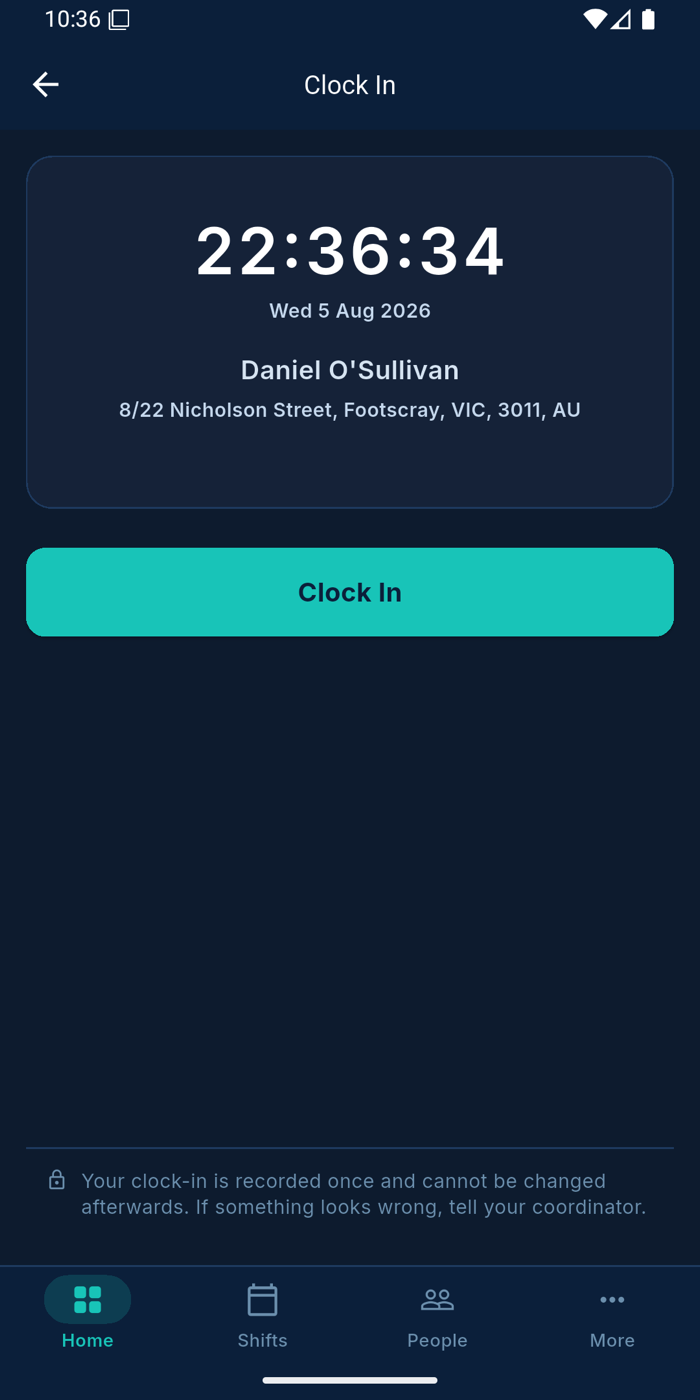
GPS-verified clock in & out

One tap to clock in โ€” the app records time and GPS location against the shift, so 'were they actually there?' is never a guess.
GPS-verified clock in & out โ€” Ausvanta worker app
02 ยท WORKER APP

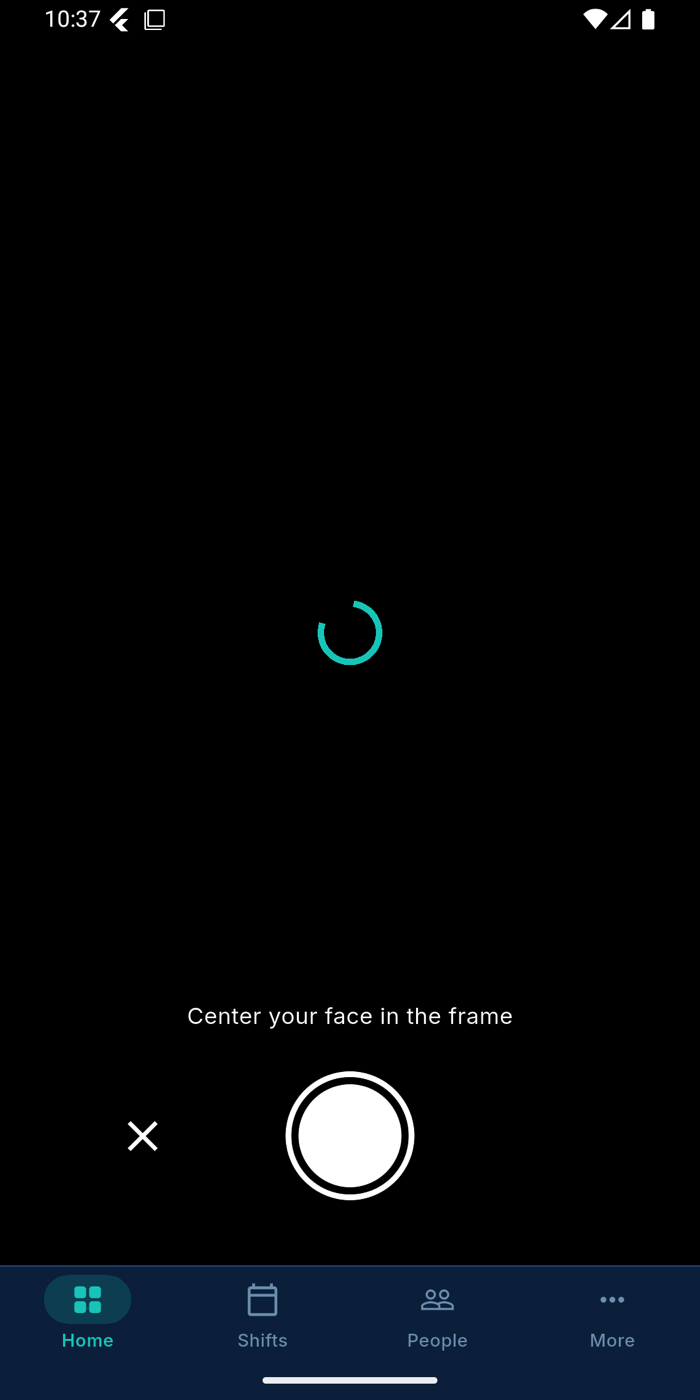
Selfie verification

A quick selfie at clock-in confirms the right worker is on site. Photo evidence attaches straight to the shift record.
Selfie verification โ€” Ausvanta worker app
03 ยท WORKER APP

Plans, acknowledged before support starts

Medication, mealtime and emergency plans โ€” written by the practitioner, versioned, and acknowledged in-app so every worker has read the current version before delivering support.

Plans, acknowledged before support starts โ€” Ausvanta worker app
04 ยท WORKER APP

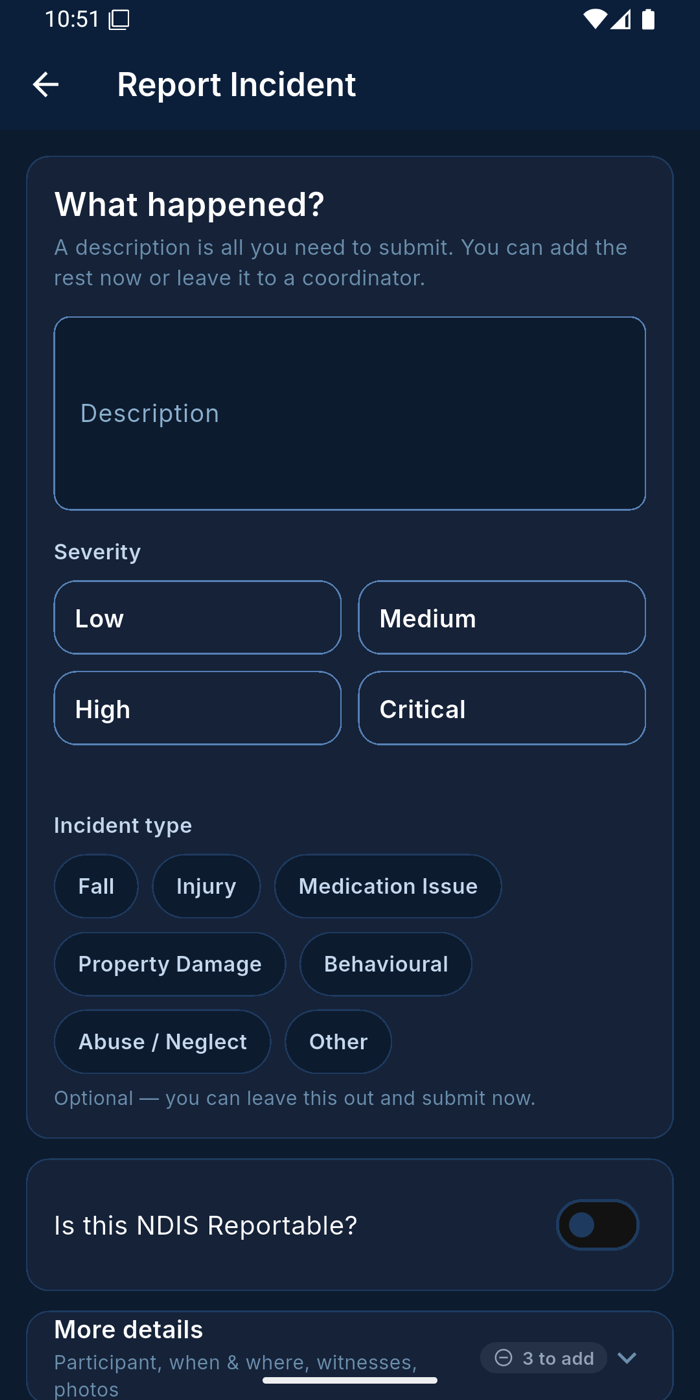
Incident reporting on the spot

A description is all it takes to submit. Severity, incident type and the NDIS-reportable flag are right there โ€” captured while it's fresh, synced to the office instantly.

Incident reporting on the spot โ€” Ausvanta worker app
05 ยท WORKER APP

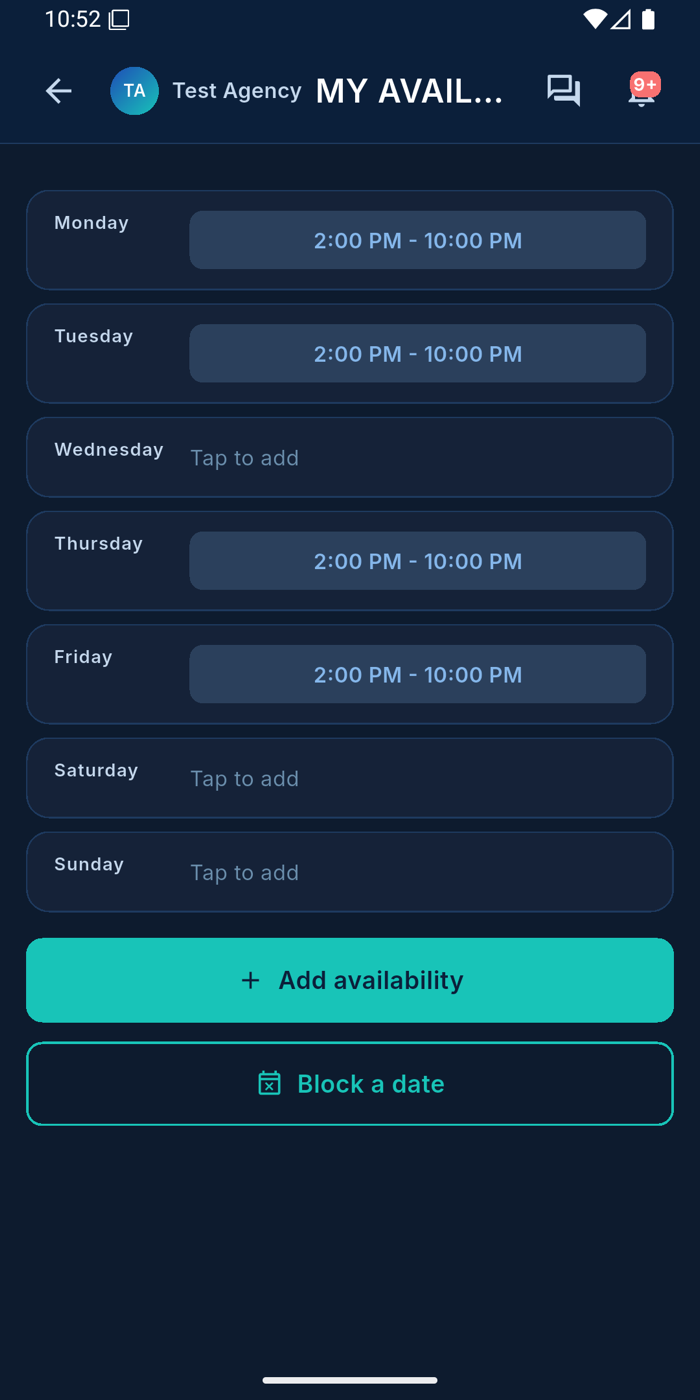
Availability & leave, self-managed

Workers set weekly availability windows, block dates and request leave from their phone โ€” rostering sees it immediately.

Availability & leave, self-managed โ€” Ausvanta worker app
06 ยท WORKER APP

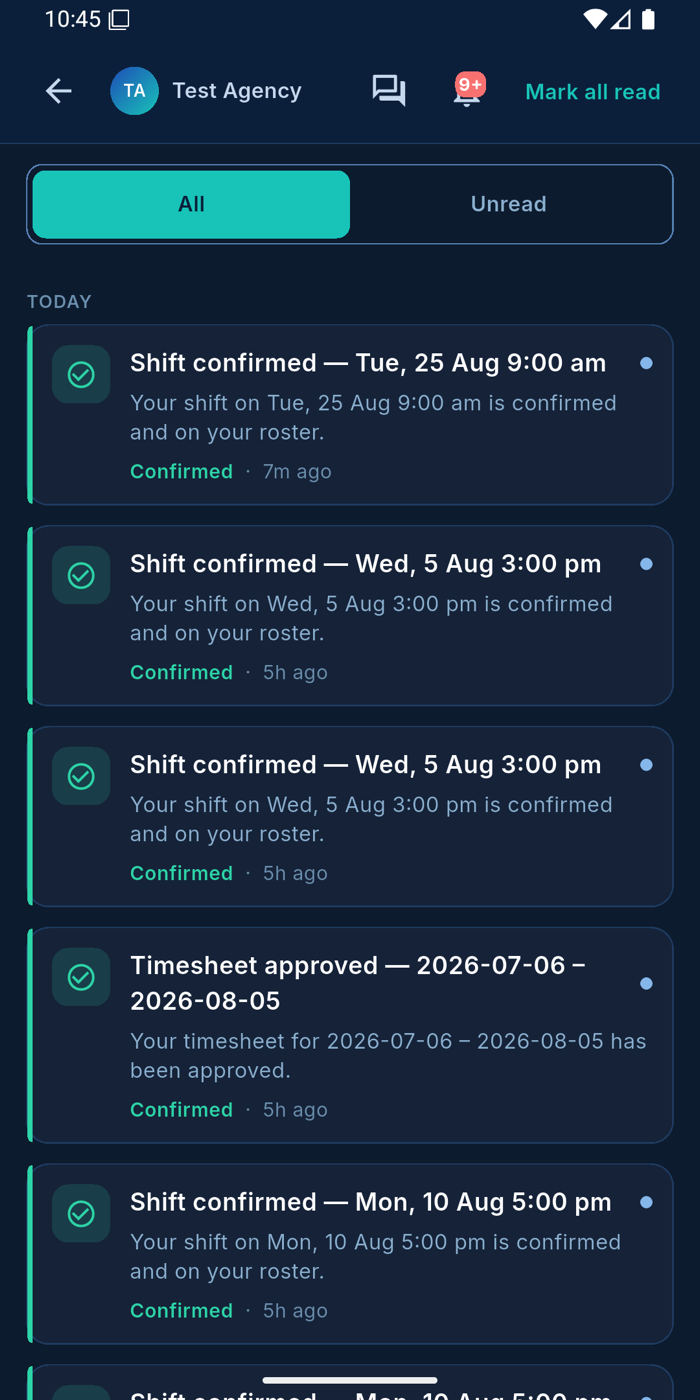
Notifications that matter

Shift confirmations, roster changes, timesheet approvals and credential expiry warnings โ€” pushed to the worker's pocket, not lost in email.
Notifications that matter โ€” Ausvanta worker app
A shift in three taps

From offer to paid โ€” without paperwork

1Accept the shift

Shift offers arrive as notifications โ€” accept and it's on the roster, confirmed back to the office.

2Clock in with GPS + selfie

Location and photo evidence recorded once, immutably โ€” the office verifies with one click.

3Deliver & document

Read the plans, complete tasks, report anything that happened โ€” it all syncs to timesheets automatically.

Your questions answered

Common questions

Who is the mobile app for?
Right now the app is built for support workers in the field. Coordinators and office staff use the full Ausvanta web platform โ€” the two stay in sync in real time.
Is it available for iOS and Android?
Android is available now (beta via Google Play). iOS is on the roadmap โ€” registered interest gets early access.
How is participant information protected?
Data is stored securely in Australia (AWS Sydney), encrypted on the device until it syncs, and never sent to any outside service. Workers see the clinical and safety context they need to deliver support โ€” never plan budgets or funding details.
What if a worker has no reception at a shift?
Records are captured on the device and sync as soon as coverage returns โ€” field work in low-signal areas isn't lost.
Can workers see when their credentials expire?
Yes โ€” My Credentials lives in the app, and expiry warnings arrive as notifications well before compliance is at risk.

Put Ausvanta in your team's pocket

Start a free 14-day trial โ€” the worker app is included on every plan, with unlimited users.