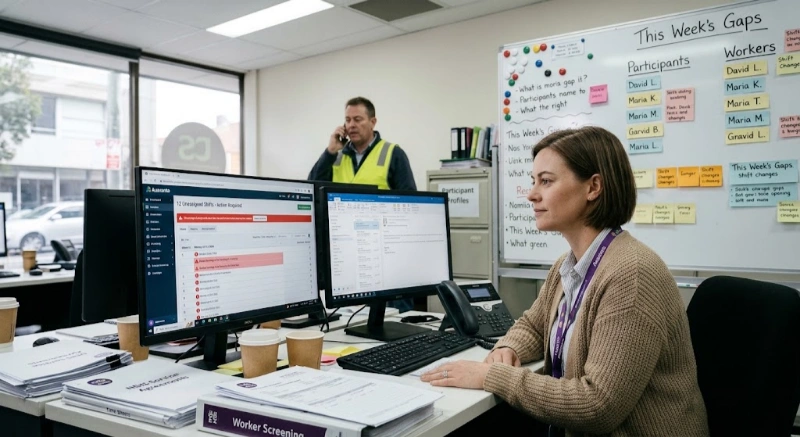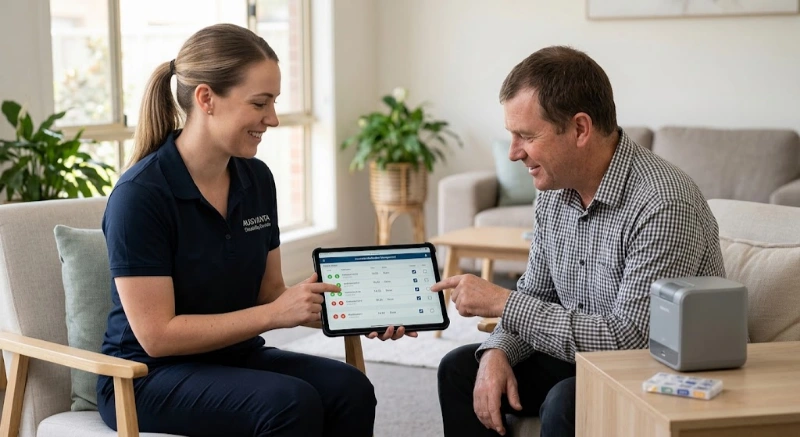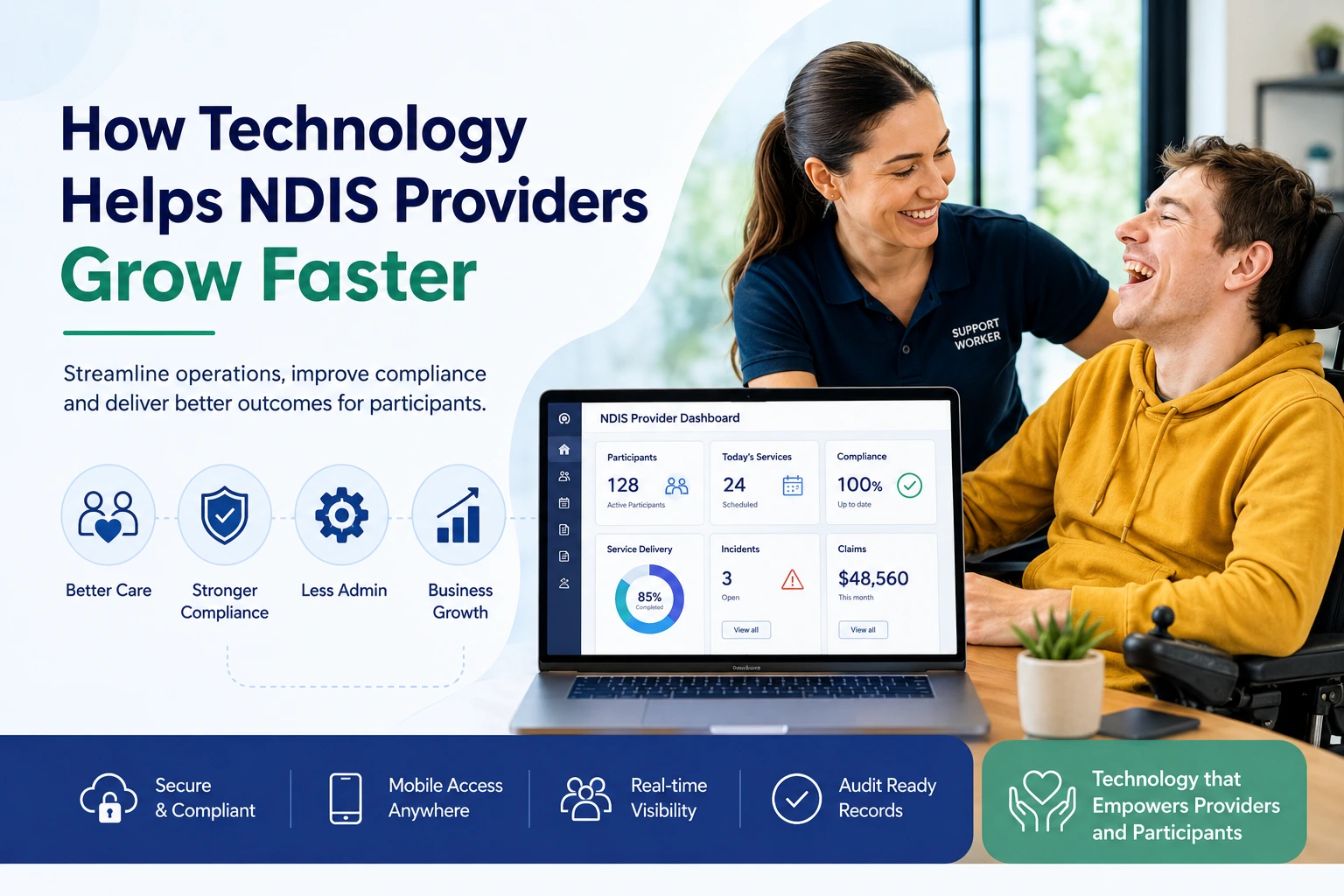
Technology helps NDIS providers grow faster by reducing admin, improving rostering, supporting compliant claims, protecting participant records and giving leaders clearer business visibility.
For Australian providers, growth is no longer just about getting more participants. It is about growing safely, proving quality and keeping systems audit-ready.
The right NDIS Software can turn scattered daily tasks into one connected workflow.
NDIS providers face a difficult balance. They need to deliver safe, person-centred support while also managing rostering, worker records, case notes, invoicing, payment requests, incidents, complaints, pricing changes and compliance evidence. That is a lot to handle with spreadsheets, paper forms and disconnected apps.
As your NDIS business grows, relying on spreadsheets, paper files and disconnected apps can quickly create bottlenecks. The table below highlights how purpose-built NDIS software simplifies daily operations and helps providers scale while maintaining compliance and service quality.
| Business Area | Manual Systems | Modern NDIS Software |
|---|---|---|
| Participant Records | Stored across spreadsheets, emails and paper files. | Centralised digital participant profiles with instant access. |
| Rostering | Manual scheduling using spreadsheets and phone calls. | Live rostering with shift updates, staff availability and mobile notifications. |
| Case Notes | Paper notes or disconnected documents. | Digital case notes linked directly to participant records. |
| Incident Reporting | Separate forms and folders that are difficult to track. | Structured incident workflows with review and follow-up tracking. |
| Claims & Billing | Manual invoice preparation with increased risk of errors. | Service delivery automatically connected to invoicing and claim preparation. |
| Compliance | Documents stored in multiple locations with no reminders. | Central compliance records with expiry alerts and audit-ready documentation. |
| Staff Records | Manual tracking of certificates and worker screening. | Automated reminders for licences, training and worker screening renewals. |
| Reporting | Time-consuming manual reports. | Real-time dashboards showing participants, claims, incidents and business performance. |
| Business Growth | More participants create significantly more administration. | Scalable workflows that support business growth without increasing admin workload. |
Key takeaway: The right NDIS software doesn't just replace spreadsheets—it creates a connected operational system that helps providers reduce administrative work, improve compliance, strengthen participant care and confidently scale their organisation.
This is where How Technology Helps NDIS Providers becomes more than a software topic. It becomes a business survival topic. Modern NDIS Software gives providers the structure to work faster, reduce errors and build trust with participants, workers, auditors and management teams.
For providers in Australia, the timing matters. The NDIS Commission says registered providers must meet the NDIS Practice Standards, which set quality standards for supports and services delivered to participants. The NDIS Code of Conduct also defines expected behaviour, culture and ethical conduct for providers, key personnel and workers. Technology cannot replace good leadership, but it can make good systems easier to run every day. (NDIS Quality and Safeguards Commission)
NDIS Software is a purpose-built digital system that helps disability service providers manage participants, staff, rosters, case notes, incidents, billing, claims, reporting and compliance in one place. Instead of using separate spreadsheets and manual files, providers can use one platform to keep key operational information connected.
Generic business tools can help with simple scheduling or accounting. But NDIS providers need more specific features. They need support for NDIS pricing, service bookings, participant budgets, worker screening, progress notes, incident records and audit evidence.
A strong NDIS Software platform may include:
Competitor research across Australian NDIS software providers shows repeated themes: centralised records, rostering, billing, compliance, reporting, risk management, mobile access and audit readiness. Lumary, ShiftCare, FlowLogic, Astalty, AlayaCare, CareMaster and other platforms all position technology as a way to reduce manual work and improve operational control. (Lumary)
Technology matters because the NDIS market is becoming more regulated, more data-driven and more operationally complex. Providers now need better proof of service delivery, stronger records and faster access to accurate information.
The NDIS pricing schedule sets out maximum prices for supports and is used by providers to inform their pricing from 1 July 2026. This means providers must keep their billing systems aligned with current pricing rules, participant agreements and service delivery records. (NDIS)
The NDIA also states that providers using NDIA-managed funding need to submit payment requests through the myplace provider portal and submit payment requests within 90 days from the end of a service booking. It also notes that non-compliant or invalid claims can be rejected. (NDIS)
At the same time, regulatory pressure is growing. The NDIS Commission says mandatory registration for supported independent living and NDIS digital platform providers commenced from 1 July 2026. The Department of Health, Disability and Ageing has also stated that broader provider registration expansion will commence from July 2027, with full implementation by the end of 2030. (NDIS Quality and Safeguards Commission)
That means providers need systems that can grow with them. A small provider may start with a few staff and a handful of participants. But once the business adds more workers, support categories and locations, manual systems become risky. Growth exposes weak processes.
Technology helps NDIS providers grow faster by making daily operations repeatable, measurable and easier to manage. It reduces time spent on admin, lowers the chance of missing key records and gives leaders better visibility into people, services, claims and compliance.
Growth in the NDIS sector is not just about marketing. It depends on whether a provider can deliver more services without losing quality. A provider that doubles its participant base but still uses manual rosters, paper notes and disconnected invoices may face more errors, payment delays and staff confusion.
Good technology helps by creating a stable operating system for the business. It lets providers:
This is why NDIS Software should not be treated as a “nice extra”. For many growing providers, it becomes the backbone of the business.
Better rostering helps NDIS providers grow because it reduces missed shifts, improves staff utilisation and makes it easier to match the right worker with the right participant. When rosters are managed digitally, providers can respond faster to cancellations, staff availability changes and participant needs.
Rostering is one of the biggest pressure points in disability support. A single change can affect a participant, a worker, travel time, billing, notes and payroll. If that change is handled in a spreadsheet, the risk of confusion is high.
With NDIS Software, rostering can connect directly with:
This creates smoother operations. Admin staff spend less time chasing workers. Support workers see their shifts on mobile. Managers can check coverage quickly.
A provider that manages rosters well can take on more participants without creating chaos. That is real growth.

Automation helps NDIS providers grow by removing repeated manual tasks. It can reduce data entry, remind staff about missing records, prepare invoices faster and keep key workflows moving without constant follow-up.
Admin overload is one of the hidden blockers in provider growth. Many providers do not fail because they lack demand. They struggle because the back office cannot keep up.
Common manual tasks include:
Automation does not mean removing human judgement. It means removing avoidable repetition. Staff still review records, approve claims and make care decisions. The software simply makes the process faster and clearer.
For example, a provider may set alerts for missing progress notes before a claim is prepared. That simple workflow can reduce delays and improve evidence quality.
Technology improves cash flow by helping providers prepare accurate invoices, connect service records to claims and reduce avoidable payment issues. In NDIS businesses, cash flow depends heavily on clean documentation and timely claiming.
The NDIA says payment requests must be submitted within 90 days from the end of a service booking for NDIA-managed funding. It also notes that rejected claims are not paid if they are not compliant or valid. (NDIS)
This makes billing accuracy critical. If a provider is manually checking every shift, rate, support item and participant budget, mistakes become more likely as the business grows.
NDIS Software can help by:
This does not guarantee every claim will be paid. But it improves the provider’s ability to submit clearer and more complete information.
For a growing provider, that matters. Faster billing cycles support wages, supplier payments, rent, vehicles, training and new staff recruitment.
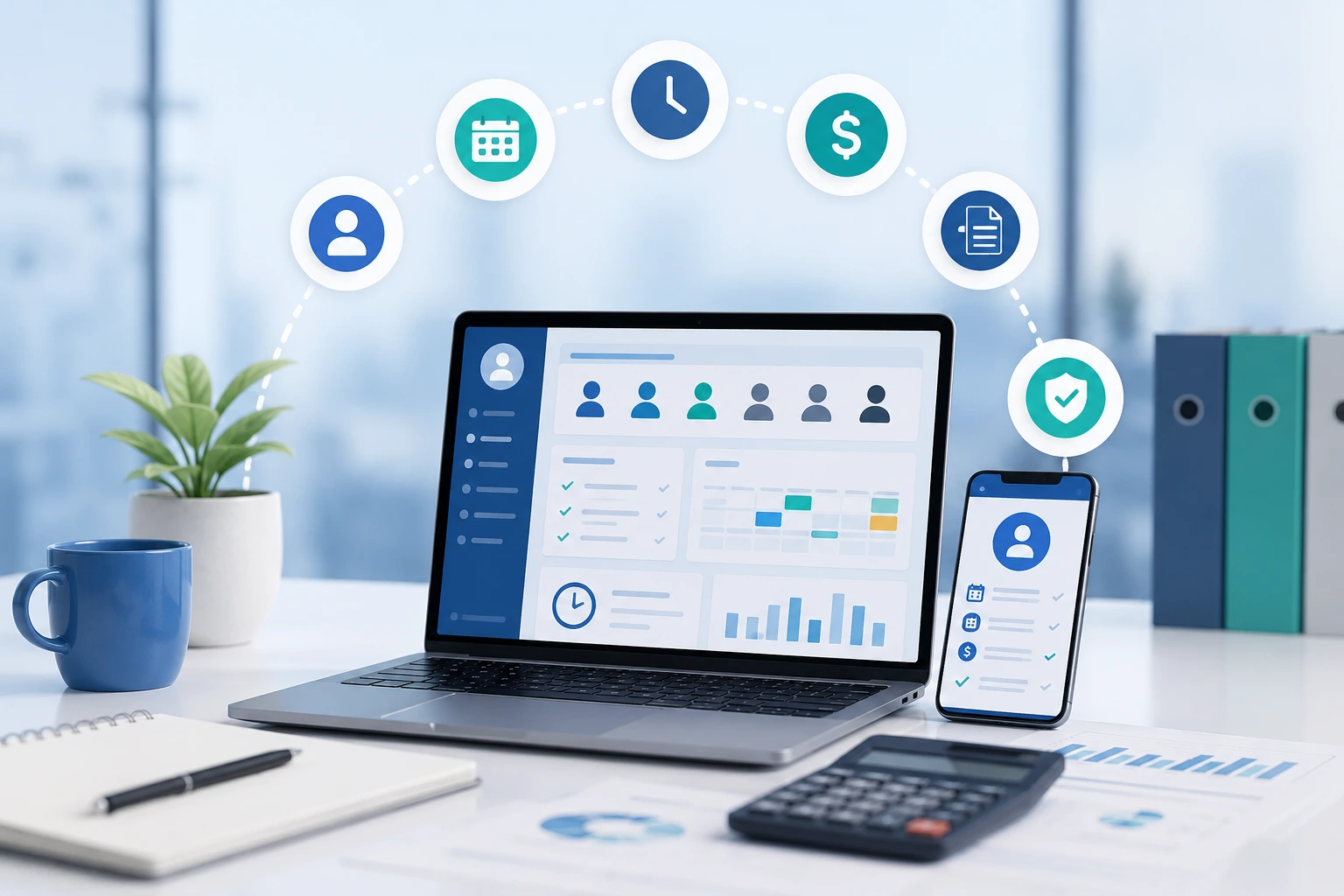
Digital records help NDIS providers prove what happened, when it happened and who was responsible. This matters because compliance is not only about having policies. It is about showing evidence that systems are followed in daily service delivery.
The NDIS Practice Standards specify quality standards for registered providers. These standards cover areas such as rights, governance, service delivery and support provision. (NDIS Quality and Safeguards Commission)
In practice, providers may need to show:
When these records sit across email inboxes, folders and spreadsheets, audits become stressful. Digital systems make it easier to find records quickly and show a clear timeline.
This is especially important for providers that want to grow into higher-risk or more complex supports. Strong records protect participants, staff and the business.
Technology helps providers manage incidents by creating a clear workflow for recording, assessing, resolving and reviewing events. It also helps leaders identify patterns before small issues become serious problems.
The NDIS Commission states that incidents during NDIS support delivery need to be identified, assessed, recorded, managed and resolved while making sure the person with disability feels safe, respected and informed. (NDIS Quality and Safeguards Commission)
A good digital incident workflow can include:
This creates consistency. Staff do not have to guess what to record. Managers can see what needs attention. Providers can review incidents over time and improve training, staffing or risk controls.
Growth without incident visibility is risky. Growth with clear incident management is safer.
Technology helps NDIS providers manage staff compliance by storing worker records, qualifications, training, expiry dates and screening information in one place. This reduces the risk of missed renewals and incomplete personnel files.
The NDIS Commission says an NDIS worker screening check is valid for five years. It also says registered providers receive notification when a linked worker’s screening check is expiring soon through the provider portal. (NDIS Quality and Safeguards Commission)
Software can support this process by adding internal reminders and staff dashboards. For example, a provider can track:
This becomes more important as the team grows. A sole trader may know everything by memory. A provider with 40 workers cannot rely on memory.
Dashboards help NDIS providers grow by turning daily activity into useful business information. Leaders can see service volume, staff utilisation, claim status, participant budgets, incidents, complaints and operational gaps without waiting for manual reports.
A dashboard does not need to be complicated. The best dashboards answer practical questions:
The NDIS publishes public data about participants, funding, providers and market information through quarterly reports and data tools. This reflects a broader move toward data-informed market oversight and decision-making across the scheme. (NDIS)
Providers can use the same mindset internally. Better data leads to better decisions.
Technology improves participant experience when it helps providers communicate clearly, deliver reliable support and keep accurate records. Participants and families may not care what software a provider uses, but they do care about consistency, safety, trust and responsiveness.
A provider with strong systems can usually offer:
This matters because NDIS providers are not selling a basic service. They are supporting people’s daily lives, independence, goals and wellbeing.
Technology should never make support feel cold or robotic. The goal is the opposite. Good systems remove admin pressure so people can focus more on care.
NDIS Software supports growth by giving providers one connected system for operations, compliance and reporting. Without it, growth often creates more spreadsheets, more manual checks and more risk.
Here is a simple comparison.
| Area | Manual Systems | NDIS Software |
| Rostering | Spreadsheets, texts, phone calls | Live roster, worker availability, shift alerts |
| Notes | Paper forms or emails | Digital case notes linked to participants |
| Claims | Manual data entry | Service records connected to billing |
| Incidents | Separate forms and folders | Structured incident workflow |
| Compliance | Documents scattered across drives | Central records and expiry alerts |
| Reporting | Manual reports | Dashboards and exports |
| Staff access | Admin-heavy communication | Mobile access for workers |
| Growth impact | More admin with each new participant | More scalable workflows |
This is the central reason technology helps NDIS providers grow faster. It allows the business to expand without every new participant creating the same amount of extra admin.
Privacy and cyber security are essential because NDIS providers handle sensitive participant information. Technology should make records safer, not expose providers to unnecessary data risk.
The Office of the Australian Information Commissioner says health service providers routinely handle sensitive health information and must understand their obligations under the Privacy Act 1988. (OAIC)
Providers should ask software vendors practical security questions:
The Australian Digital Health Agency also encourages healthcare organisations to strengthen cyber security culture and use trusted training and guidance resources. (Digital Health Australia)
For NDIS providers, trust is everything. A software decision is also a data protection decision.
Technology helps NDIS providers, but it does not replace the human side of disability support. Providers still need good leadership, trained workers, ethical conduct, participant choice and sound judgement.
This is an important point. Software cannot fix a poor culture. It cannot make unsafe workers safe. Cannot replace listening to participants. It cannot guarantee compliance.
What it can do is support better habits.
It can remind teams to record important information. It can show leaders where risks are rising. Can reduce missed steps. It can make staff more organised. It can help providers spend less time searching for information and more time improving services.
The right mindset is simple: use technology to make human care more reliable.
Many NDIS providers choose software too quickly or too late. The result is a system that looks good in a demo but does not fit the provider’s real workflow.
Common mistakes include:
Choose NDIS Software by matching the platform to your services, team size, compliance obligations and growth plan. The best system is not always the biggest one. It is the one your team will use consistently.
Use this checklist before choosing a platform:
Write down how your team manages participants, rosters, notes, incidents, billing, staff records and reports today. Look for double handling.
For some providers, the biggest risk is claims. For others, it is rosters, incidents, worker records or audit preparation. Choose software that solves the biggest risk first.
Look for participant management, NDIS claiming support, pricing updates, budget tracking, incident records and compliance reporting.
Ask support workers to test the mobile workflow. If the app is confusing, adoption will be low.
Check data hosting, permissions, audit logs, backup processes and privacy documentation.
A good system needs setup, training and support. Do not assume your team will figure it out alone.
Per-user pricing can rise as your team grows. Flat-rate or scalable pricing may suit some providers better. Ausvanta, for example, positions itself as an all-in-one NDIS management platform with unlimited users on every plan and flat-rate pricing through Cognify Digital. (Cognify Digital)
Support matters when billing, rosters or records are time-sensitive. Ask how support is delivered and how quickly the vendor responds.
Ausvanta is built for Australian NDIS providers that want to manage rosters, case notes, incident reporting, and compliance records in one system. It is positioned as an all-in-one platform for providers that want simpler operations and less reliance on spreadsheets.
Ausvanta’s website states that the platform helps providers streamline rostering, case notes, incident reporting and compliance records. It also states that Ausvanta is developed by Neural Networks Group Pty Ltd. (Ausvanta)
For providers comparing software, Ausvanta may be worth exploring if they want:
This is not about choosing software because it has the longest feature list. It is about choosing the system that makes daily work cleaner, safer and easier to scale.
Imagine a small NDIS provider with 12 staff and 18 participants. The team uses one spreadsheet for rosters, another for participant budgets, email for progress notes and folders for incident forms.
At first, it works. Then the provider grows to 35 participants and 28 staff. Suddenly, admin becomes a daily problem.
The issues appear quickly:
Now imagine the same provider using NDIS Software.
Rosters update in real time. Staff receive mobile notifications. Notes are linked to participant records. Claims are prepared from service data. Incidents follow a workflow. Worker documents show expiry alerts. Managers can see dashboards.
The provider has not just “gone digital”. It has built a stronger operating model.
That is how technology helps NDIS providers grow faster.
The best technology features for growing providers are the ones that reduce risk, save time and improve visibility. Flashy features matter less than daily reliability.
High-value features include:
A central record for participant details, goals, support needs, contacts, service agreements and documents.
Live shift scheduling, worker availability, mobile access, shift changes and service matching.
Easy note entry, mobile access, timestamps and participant-linked records.
Structured workflows for recording, reviewing and resolving incidents.
Billing records connected to delivered services, support items and payment status.
Visibility over participant budgets, scheduled supports and remaining funds.
Alerts for missing records, expired documents, training gaps and audit tasks.
Operational reports for leaders, finance teams and compliance managers.
Role-based access so staff only see what they need.
Local hosting, encryption, backups and clear privacy processes.
The next stage of NDIS technology will likely focus on smarter automation, better reporting, AI-assisted documentation and stronger compliance checks. Providers should be open to innovation but careful about privacy, accuracy and human oversight.
AI may help with draft notes, trend detection, admin summaries and risk flags. But providers should not blindly rely on automated outputs. Human review remains essential, especially where participant rights, safety and care decisions are involved.
A responsible approach includes:
Technology should make providers more accountable, not less.
How Technology Helps NDIS Providers is simple in theory but powerful in practice. It helps providers save time, reduce errors, strengthen compliance, improve rostering, protect records, prepare cleaner claims and deliver more reliable participant support.
The providers that grow fastest are not always the ones with the biggest marketing budget. They are often the ones with the cleanest systems. They know where their staff are, what services were delivered, what claims are ready, what records are missing and what risks need attention.
NDIS Software gives providers that clarity.
For Australian providers planning to grow, the question is no longer “Do we need technology?” The better question is: “Which system will help us grow without losing control?”
Ausvanta gives NDIS providers a practical way to bring rosters, participant records, case notes, incidents, claims and invoicing into one connected platform. For providers ready to reduce admin and build a stronger operating base, exploring Ausvanta is a smart next step.
Technology helps NDIS providers grow faster by reducing manual admin, improving rostering, supporting cleaner claims, tracking records and giving managers clearer visibility across the business.
NDIS Software is a digital platform that helps providers manage participants, staff, rosters, case notes, incidents, invoices, claims and compliance records.
Yes, many small providers benefit from software early because it helps them build clean records, reduce double handling and prepare for growth before systems become messy.
Yes. NDIS Software can support compliance by storing records, tracking incidents, managing worker documents and keeping evidence easier to find. It does not replace legal or audit advice.
Software can connect rosters, service records and invoices, reducing manual data entry and helping teams review claim details before submission.
No. Technology supports workers by reducing admin and improving access to information. It should not replace human care, judgement or participant choice.
Important features include rostering, participant records, case notes, incident reporting, claims, invoicing, budget tracking, reporting, staff records and secure access controls.
It can be safe when it uses strong security, access controls, encryption, backups and clear privacy processes. Providers should ask vendors where data is hosted.
It helps providers deliver more reliable shifts, clearer communication, accurate records, faster follow-up and better continuity between staff.
The biggest mistake is choosing software based only on price or feature lists without testing how it fits daily provider workflows.
Yes. It can provide structured incident forms, escalation steps, follow-up tasks and reporting visibility.
It gives managers dashboards for rosters, claims, missing notes, staff records, budgets, incidents and overall business performance.
Ausvanta is built for Australian NDIS providers and supports rostering, case notes, incident reporting and compliance records.
Providers should review software at least yearly, or whenever they add services, staff, locations or higher-risk supports.
Check NDIS-specific features, pricing, data hosting, privacy controls, onboarding, support quality, reporting and staff usability.
Start your free 14-day trial — unlimited users, no credit card required.