The right NDIS software for small providers covers participant records, rostering, claims and compliance reporting without forcing a small team into enterprise pricing. Most small providers (under 50 participants) need five core functions, not thirty. Below, we break down what to prioritise, what it costs, and how the 2026 regulatory changes affect your decision.
Running a small NDIS provider means doing the work of five roles with the time of two people. You're rostering support workers, writing progress notes, submitting claims to the NDIA, and trying to stay ahead of the NDIS Quality and Safeguards Commission's growing compliance expectations — often from a laptop between shifts. Many providers still lean on spreadsheets and email because dedicated software feels built for bigger operations. That gap is closing. This guide explains what NDIS software for small providers actually needs to do, what it costs in 2026, and how to choose a platform that fits your size now and your growth later.
NDIS software for small providers is a purpose-built platform that combines participant management, rostering, claims and invoicing, and compliance reporting in one system, sized and priced for teams supporting roughly 5 to 50 participants. Unlike enterprise platforms built for large organisations, it prioritises simplicity, fast setup and affordable per-user or flat-rate pricing over deep customisation.
Small providers typically include sole traders, family-run support services, and teams of two to fifteen support workers. Their software needs overlap heavily with larger providers — they still answer to the same NDIS Quality and Safeguards Commission requirements — but they need those requirements delivered without a six-figure implementation project or a dedicated IT person.
Why now: regulatory oversight has tightened, and generic tools (spreadsheets, email, consumer scheduling apps) can no longer keep pace with NDIS Commission reporting expectations. From 1 July 2026, supported independent living (SIL) providers and platform providers must be registered with the NDIS Commission, and new SIL Practice Standards apply — adding fresh documentation and evidence requirements for any small provider delivering those supports.
The Commission has also signalled a more active enforcement posture through 2026, with a stronger focus on demonstrated participant outcomes rather than paperwork alone. For a solo operator or small team, that shift matters: manual systems make it hard to produce consistent, audit-ready evidence on demand, and a missed detail during an audit can mean corrective action or delayed registration.
At the same time, small providers are price-sensitive and short on admin hours. The practical answer isn't necessarily the most feature-rich platform on the market — it's the one that covers your core obligations reliably and grows with you without a costly re-platform.
Every small provider's shortlist should be tested against the same core functions. Here's what each one needs to do.
A central participant record should hold contact details, plan dates, funding categories and goals in one place, replacing scattered spreadsheets and paper files. Look for the ability to flag plan review dates and remaining budget so nothing is missed.
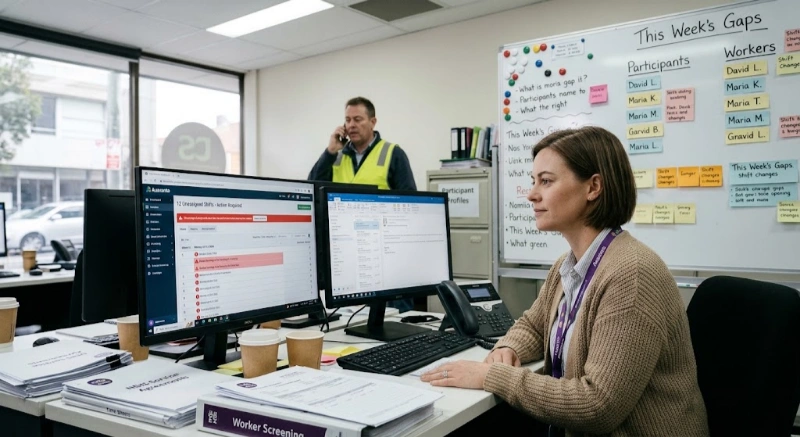
Drag-and-drop rostering with conflict checks (double-booked staff, expired qualifications, unavailable workers) saves hours weekly even for a five-person team. Mobile access for support workers to view and confirm shifts on the go is now close to a baseline expectation.
Software that maps directly to current NDIS price limits and can generate NDIA-compliant claims reduces rejected claims and delayed payment — a bigger cash-flow risk for a small provider than a large one. Bulk invoicing and Xero or MYOB integration cut duplicate data entry.
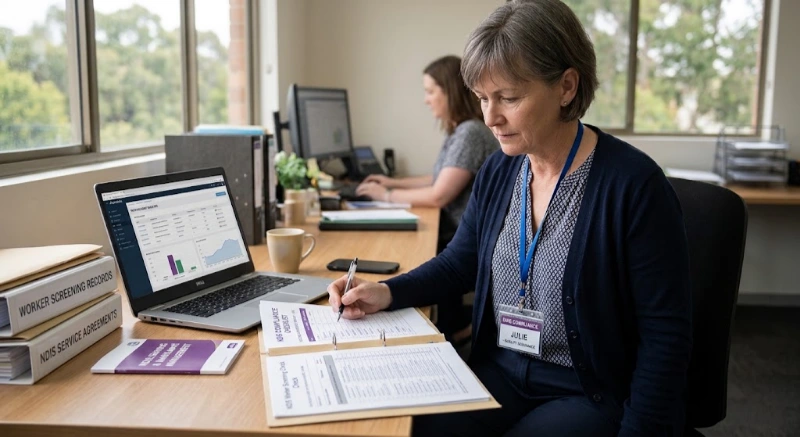
Look for built-in support for the NDIS Practice Standards categories relevant to your registration group, plus SCHADS Award-aware rostering if you employ award-covered staff. Evidence should be exportable in an audit-ready format, not buried across five different tools.
A simple, structured incident log with required fields and reportable-incident flags helps meet NDIS Commission notification timeframes without relying on memory or email threads.
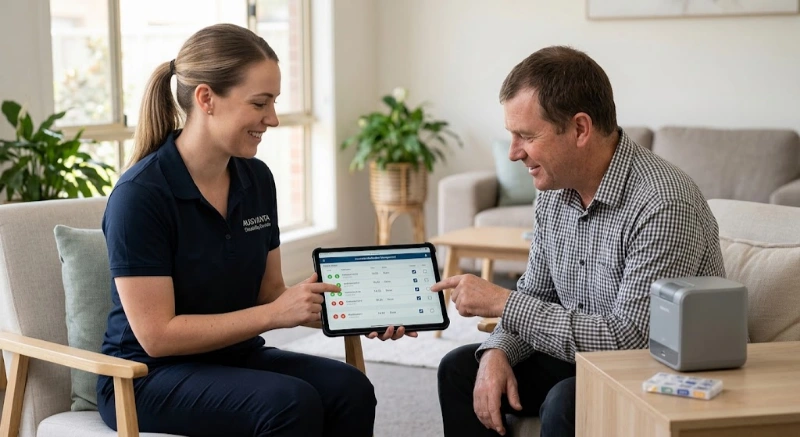
Field staff should be able to clock in and out, log progress notes and view client details from a phone. This is often the single biggest time saver for small teams that don't have an office-based admin layer.
Cost: small provider NDIS software in Australia generally ranges from free (very limited, capped-user starter tiers) up to roughly $250 per month for growing teams, with per-user add-ons for payroll, HR or advanced automation. Enterprise-tier platforms built for large organisations often start closer to $150–$350+ per month plus per-client fees.
Pricing varies by participant volume, user count and which modules (payroll, HR, custom integrations) you need. Ausvanta, for example, prices by active participants with unlimited users: its Starter plan covers 1–20 active participants and Essential 21–50 (current prices are on the Ausvanta pricing page). What to compare at each size:
| Provider size | What to check on price | What's usually included |
|---|---|---|
| Sole trader / 1–5 participants | Whether an entry tier covers your participant count, and what it leaves out | Core rostering, participant records, mobile access |
| Small team / up to 20 participants | Price per participant versus per user, and whether rostering and reporting are included | Advanced rostering, reporting, essential support |
| Growing provider / up to 50 participants | Payroll, support and integration costs, which are often add-ons | SCHADS-aware payroll, dedicated support, more integrations |
Always model the total cost at your current participant count and again at double that number. Some platforms look inexpensive at entry level but scale steeply once you add users, modules or per-client fees — factor that into any comparison rather than judging on the sticker price alone.
| Factor | Spreadsheets / email | Purpose-built NDIS software |
|---|---|---|
| Audit readiness | Manual, error-prone, hard to produce on demand | Centralised, exportable, timestamped records |
| Claims accuracy | Manual price-guide lookups; higher rejection risk | Built-in price catalogue reduces claim errors |
| Rostering conflicts | Easy to miss double-bookings or lapsed checks | Automated conflict and screening alerts |
| Setup cost | $0 upfront | Free – $250+/month depending on size |
| Scalability | Breaks down past a handful of participants | Built to scale with participant growth |
Spreadsheets aren't inherently wrong for a one or two-person operation just starting out. The risk is staying on them too long — most providers find the switch to dedicated software becomes necessary well before they expect it, usually once staff numbers or NDIS Commission reporting demands outgrow manual tracking.
What changed: from 1 July 2026, supported independent living (SIL) providers and platform providers must be registered with the NDIS Quality and Safeguards Commission, and new SIL-specific Practice Standards now apply, focused on participant rights, safeguarding and person-centred practice.
If your small provider delivers SIL supports, your software should support the documentation and evidence trail these new standards require — incident records, participant engagement evidence and workforce capability tracking among them. If you're not yet registered and this deadline affects you, treat your software decision and your registration preparation as one project, not two, since the evidence categories overlap closely.
More broadly, the Commission has flagged closer scrutiny of outcomes-based evidence over documentation alone in 2026. Practically, that means providers who can produce clear, timestamped records from their software — rather than reconstructing a compliance history from memory during an audit — are in a stronger position, whatever their size.
A free or low-cost starter plan can work well for a sole trader or very small team, provided it still covers core rostering, participant records and mobile access. The risk is choosing a free tier so limited that you outgrow it within months and face a disruptive mid-year migration. Where possible, choose a platform with a clear upgrade path so your data and workflows carry over as you grow, rather than starting again with new software.
The right NDIS software for a small provider isn't the platform with the most features — it's the one that reliably covers rostering, claims and compliance at a price that matches your current scale, with room to grow. Test any shortlisted platform against your actual weekly workflow, not just a sales demo, and weigh the 2026 regulatory changes into your decision if SIL supports are part of your service mix.
If you're comparing options, Ausvanta is built specifically for Australian NDIS providers, with plans starting from small-team pricing through to enterprise, Australian-hosted data, and a 14-day free trial to test it against your own rostering before you commit.
What is the best NDIS software for small providers?There's no single "best" platform for every small provider — the right choice depends on participant numbers, budget and which functions (rostering, incidents, compliance) matter most. Shortlist two or three purpose-built NDIS platforms and trial them against your real workflow before deciding.
How much does NDIS software cost for a small provider?Small provider NDIS software typically costs between free and around $250 per month, depending on participant numbers, user count and which modules (payroll, HR, integrations) are included. Always check for additional per-user or per-client fees before comparing.
Do sole traders need NDIS software?Sole traders can start with spreadsheets, but purpose-built software becomes valuable once managing plan budgets, claims and compliance records manually starts costing more time than it saves. Many providers switch earlier than expected as their participant count grows.
What features does NDIS software need for a small team?At minimum: participant and plan management, rostering with conflict checks, NDIA-compliant claims and invoicing, compliance reporting aligned to relevant Practice Standards, incident management, and mobile access for support workers.
Can NDIS software help with SCHADS Award compliance?Yes — many NDIS platforms include SCHADS-aware rostering and payroll integration that applies correct pay rates and penalties automatically. Always verify current award rates with the Fair Work Ombudsman rather than relying solely on software defaults.
Is cloud-based NDIS software safe for small providers?Cloud-based NDIS software is generally considered safe when hosted in Australia with role-based access controls, but security depends on the specific vendor's practices — check data residency and access controls before signing up.
Do small providers need to register for SIL supports in 2026?From 1 July 2026, all supported independent living (SIL) providers must be registered with the NDIS Quality and Safeguards Commission and meet the new SIL Practice Standards, regardless of provider size.
What's the difference between NDIS software and generic scheduling apps?Generic scheduling apps handle bookings but don't understand NDIS plan budgets, price limits or Commission reporting requirements. Purpose-built NDIS software maps directly to these sector-specific rules.
How long does it take to set up NDIS software?Setup time varies by platform and data volume, but small providers with straightforward participant lists can typically be operational within one to two weeks, including data import and basic staff training.
Can I switch NDIS software once I outgrow my current plan?Yes, most platforms support data export and migration, though the ease varies by vendor. Choosing software with a clear upgrade path from the outset reduces the disruption of switching later.
Does NDIS software help with claims rejections?Software that maps to the current NDIS pricing arrangements and validates claims before submission can reduce rejected claims, though no platform eliminates rejections entirely — accurate data entry still matters.
Is a free NDIS software plan enough for a sole trader?A free plan can suit a sole trader if it still covers core rostering, participant records and mobile access, but check the participant or user cap so you don't outgrow it within months.
Start your free 14-day trial — unlimited users, no credit card required.